
![FlexCord [JST ZH 1.5mm for OP1/XM2]](http://pmm.gg/cdn/shop/files/op1flexcord2026.png?v=1779304263&width=1254)
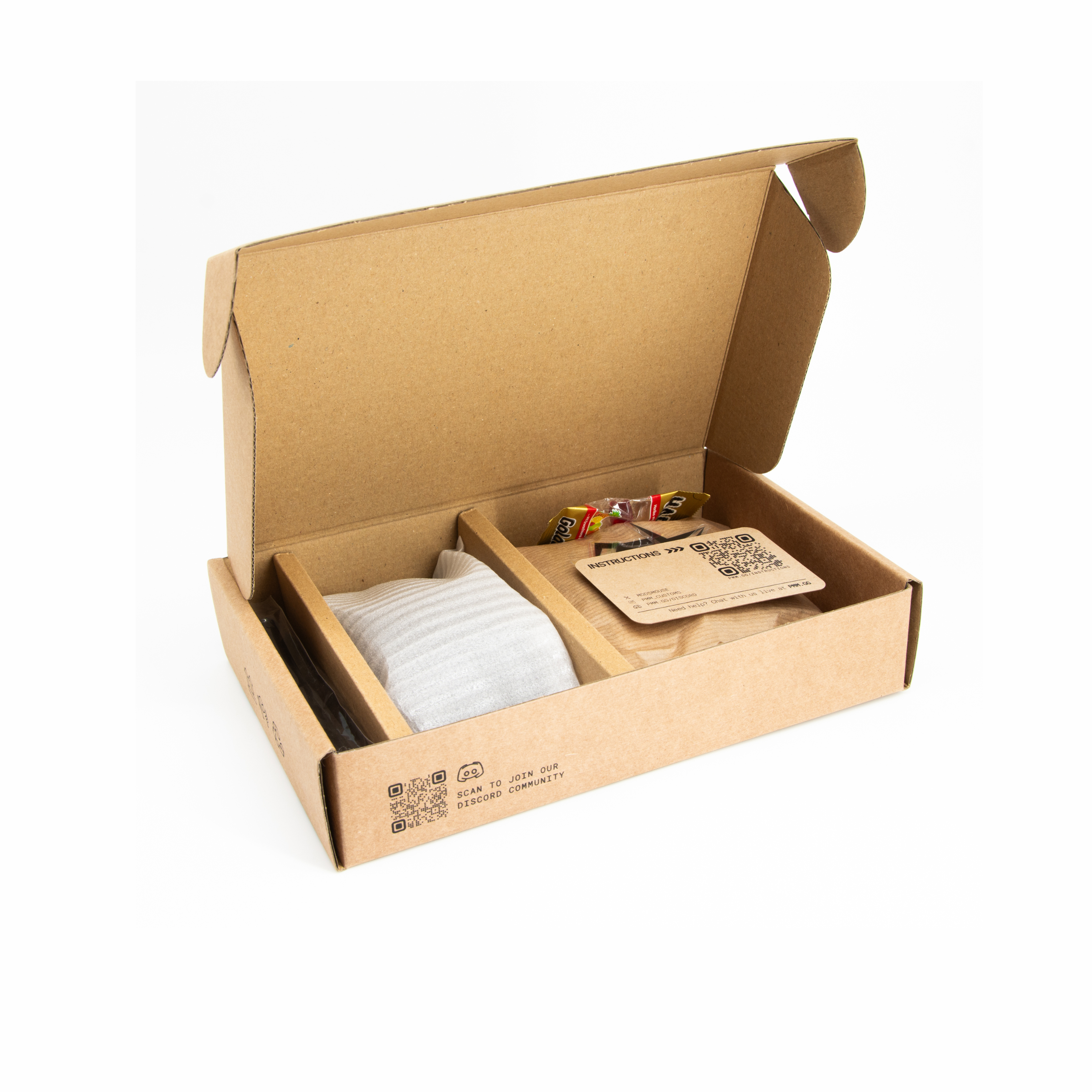
![FlexCord [JST ZH 1.5mm for OP1/XM2]](http://pmm.gg/cdn/shop/files/flexcordpackaging2026.png?v=1779304262&width=1254)
![FlexCord [JST ZH 1.5mm for OP1/XM2]](http://pmm.gg/cdn/shop/files/flexcordextensioncord2026.png?v=1779304261&width=1254)
![FlexCord [JST ZH 1.5mm for OP1/XM2]](http://pmm.gg/cdn/shop/files/flexcordsiliconetube2026.png?v=1779304262&width=1254)
![FlexCord [JST ZH 1.5mm for OP1/XM2]](http://pmm.gg/cdn/shop/files/flexcordthickness2026.png?v=1779304262&width=1254)
![FlexCord [JST ZH 1.5mm for OP1/XM2]](http://pmm.gg/cdn/shop/files/op1cablesupport2026.png?v=1779304261&width=1254)
![FlexCord [JST ZH 1.5mm for OP1/XM2]](http://pmm.gg/cdn/shop/files/op1flexcordinop12026.png?v=1779304261&width=1254)
FlexCord [JST ZH 1.5mm for OP1/XM2]
Extremely flexible paracord cable with a thin 1.8mm diameter.
Length
// 1m cable + 1m extension cord
Cable Diameter
// 1.8mm
Features
// Smooth glide on cloth and glass pads
// 8K polling compatible
// Reduces mouse weight by ~2g
Accessories
// Silicone mouse bungee adapter
// TPU cable support
Compatibility
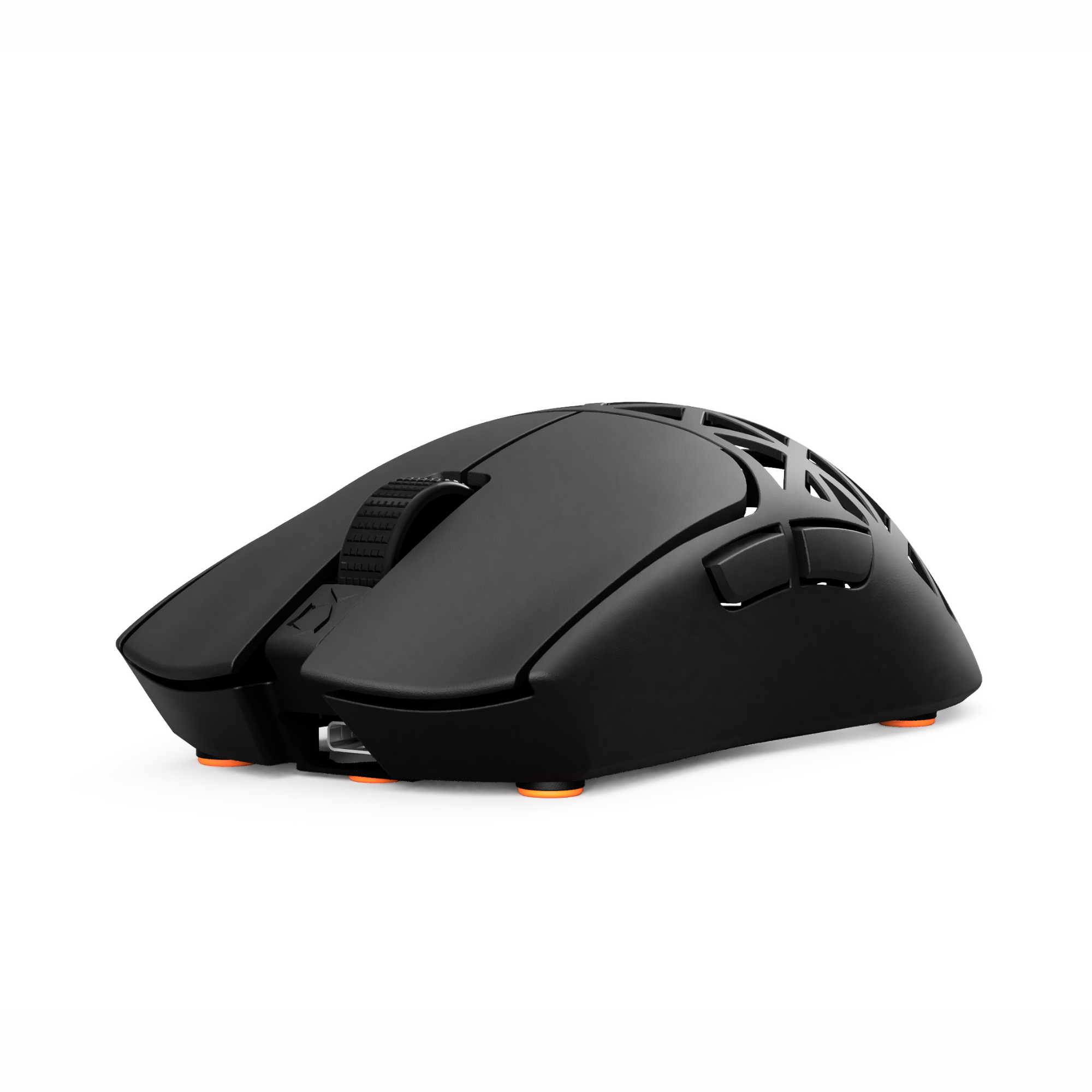
// Endgame Gear OP1 8K v1/v2, XM2
// PMM PULSE 2.0, CYBER OP
Tax included.
WORLDWIDE SHIPPING
We ship from Germany and the estimated delivery times are:
UPS Shipping:
Germany: 1 day
Europe : Up to 3 days
Worldwide: Up to 5 days
Standard Shipping:
Germany: Up to 3 days
Europe: Up to 7 days
Worldwide: Up to 14 days Shipping fees vary based on the destination
RETURN WITHIN 14 DAYS
No questions asked! FlexCord packaging has to be closed.
Including detailed instructions
To the InstructionsFAQ
More information about the FlexCord.
Do you ship overseas?
Yes, we ship all over the world.
Any additional question?
You can contact us through our support page! We will be happy to assist you.
Can I use it to update the OP1 8K firmware?
We recommend using the stock cable for the firmware update.
Do you have instructions?
Yes you can find them here: Instuctions
I experience problems. What can I do?
TROUBLESHOOTING
1) Problem: The PC doesn't recognise the mouse anymore
- Solution 1: Plug in the stock cable again and update the firmware.
- Solution 2: Plug the FlexCord directly in your PC without extension cord and check if it works.
- Solution 3: Try every USB port of your PC. It might be that some USB ports don't provide enough current
- Solution 4: Plug in the USB port in a phone charger and check if the LED of your OP1 turns on.
- Solution 5: Use a externally powered USB hub which provides more current than a usual USB port on your PC.
- Solution 6: Unplug and plug in the FlexCord
- Solution 7: Try a different PC or Laptop.
- Solution 8: If the mouse doesn't work with your stock cable anymore after an attempt to install the firmware with the FlexCord attached: Unplug the FlexCord, plug in the stock cable, hold down left and right mouse button while plugging in the mouse to reset it. The LED should pulse. Then install the firmware again.
If none of these solutions work, please contact our support team in the Live Chat on the website or fill out this form: Link to form